Your Doctors Online · Creator kit
Your first post, ready to go
Add your handle, save the card, post it. Every sign-up through your link pays you $50, and it takes 10% off for whoever clicks.
1Get your link
This is the only link that pays you. Type your handle to build it.
Exactly as it appears on your profile. Leave off the @ — or paste the whole link we sent you and we'll trim it.
Your referral link
yourdoctors.online/yourhandle
2Save the card
These three formats have worked well for us. Make your own version if you'd rather — or take one of ours below.
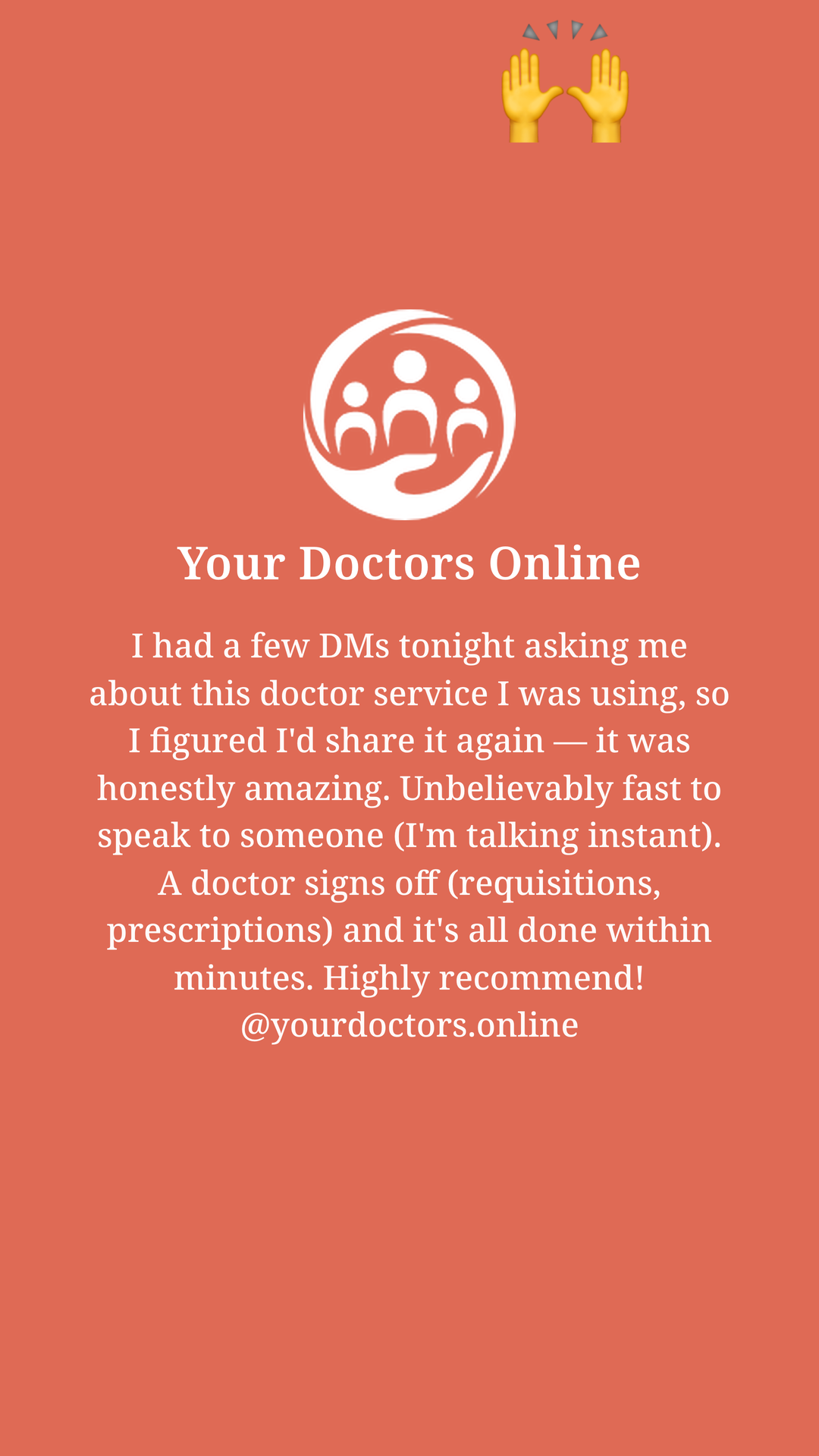
1080 × 1920 · full screen, disappears after 24 hours. This is the one we've seen work.
Save the story cardGetting asked about this again, so here it is.
- Save the card, then add it to your story like any other photo.
- Tap the sticker icon, choose Link, and paste yourdoctors.online/yourhandle. Drag it low so it sits under the text.
- Type @yourdoctors.online and pick us from the list.
- Post it.
The link sticker is the part that pays you. Without it, nothing traces back to your account.
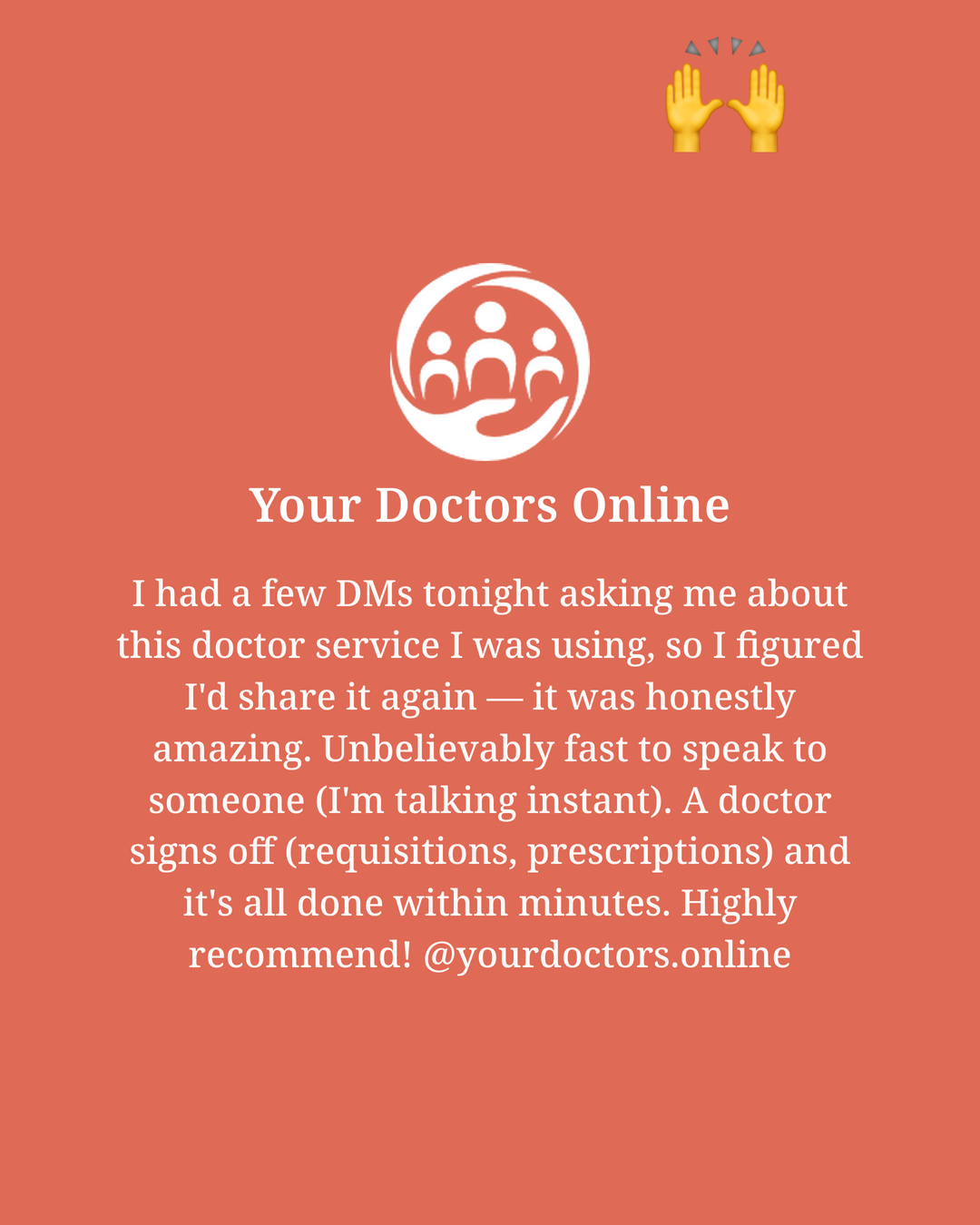
1080 × 1350 · the tallest post Instagram allows, so it takes up the most room in the feed.
Save the feed cardThird person this month has asked me what I use when I can't get in to see a doctor, so I'm just leaving it here. Your Doctors Online — you message a Canadian doctor, they answer, and the prescription or requisition gets handled without me leaving the house. Link's in my bio and it takes 10% off. #ad
- Save the card, then start a new post and pick it.
- Tap the expand icon in the corner so Instagram keeps the full 4:5 instead of cropping it square.
- Paste the caption and change it until it sounds like you.
- Put yourdoctors.online/yourhandle in your bio. A link in a caption isn't tappable.
- Tag @yourdoctors.online and post.
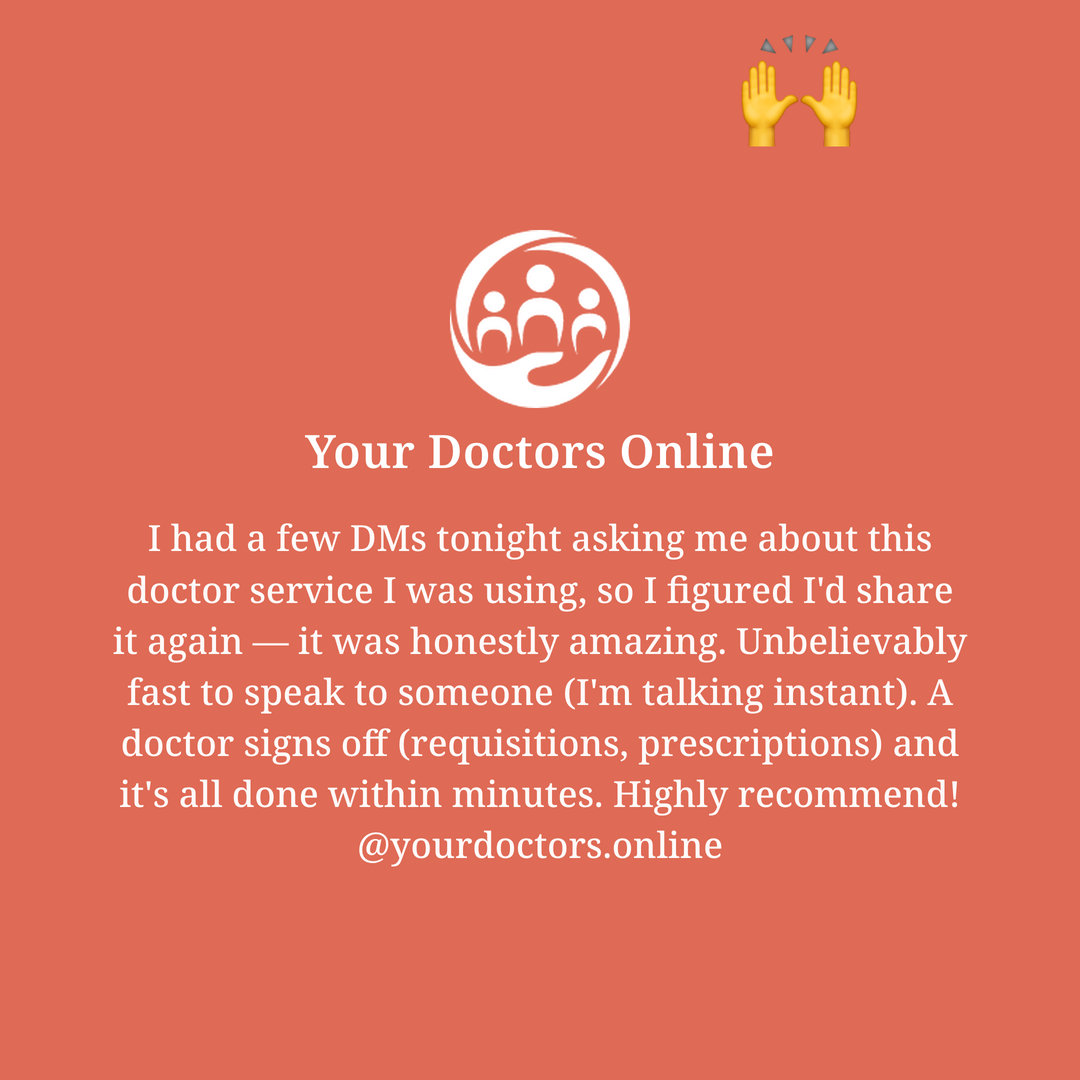
1080 × 1080 · square. Use it if your grid is square, or as the first slide of a carousel.
Save the square cardLeaving this here for the next person who DMs me asking. A Canadian doctor answers in minutes and I never have to leave the house. Link in my bio takes 10% off. #ad
Posting steps are the same as the feed post — skip the expand icon, since square is what Instagram crops to anyway. Your link goes in your bio: yourdoctors.online/yourhandle.
On an iPhone, Save drops the card into Files. If you'd rather have it in Photos, press and hold the picture above and choose Save to Photos.
3Say yes when we ask to boost it
A story is gone in 24 hours and a feed post reaches a fraction of your followers. We'd rather pay to keep showing yours. Your link stays on it, so the extra reach means more $50s for you and the ad budget is ours.
Instagram won't let us spend a dollar on your post until you switch it on. Ten seconds, on the post itself:
- Open the post and tap the ⋯ in the corner.
- Choose Partnership label & ads, then Add paid partnership label, and search for @yourdoctors.online.
- Turn on Allow brand partner to boost. That's it.
You can do it while you're posting instead — tap Next, then Partnership label & ads, same two steps. It works on stories, feed posts and reels.
Two things worth knowing. This needs a Creator or Business account, not a personal one. And you stay in charge of the post: delete it and the ad stops with it, or archive it to clear your profile while the ad keeps running.
The paid partnership label doubles as your #ad disclosure, so once it's on you don't need both.
Checking your earnings
Sign-ups and what you're owed, at $50 each, live on your own dashboard:
stats.yourdoctors.online/yourhandle
Don't post that one. It's your pay stub, not a link for your audience. The only link that goes in your story is the one in step 1.